
Customer & license management
Keep customer records and product licenses organized, with clear status and expiry information.
Bring your customers, licenses, and activations together. One clear workspace to manage software access with confidence.
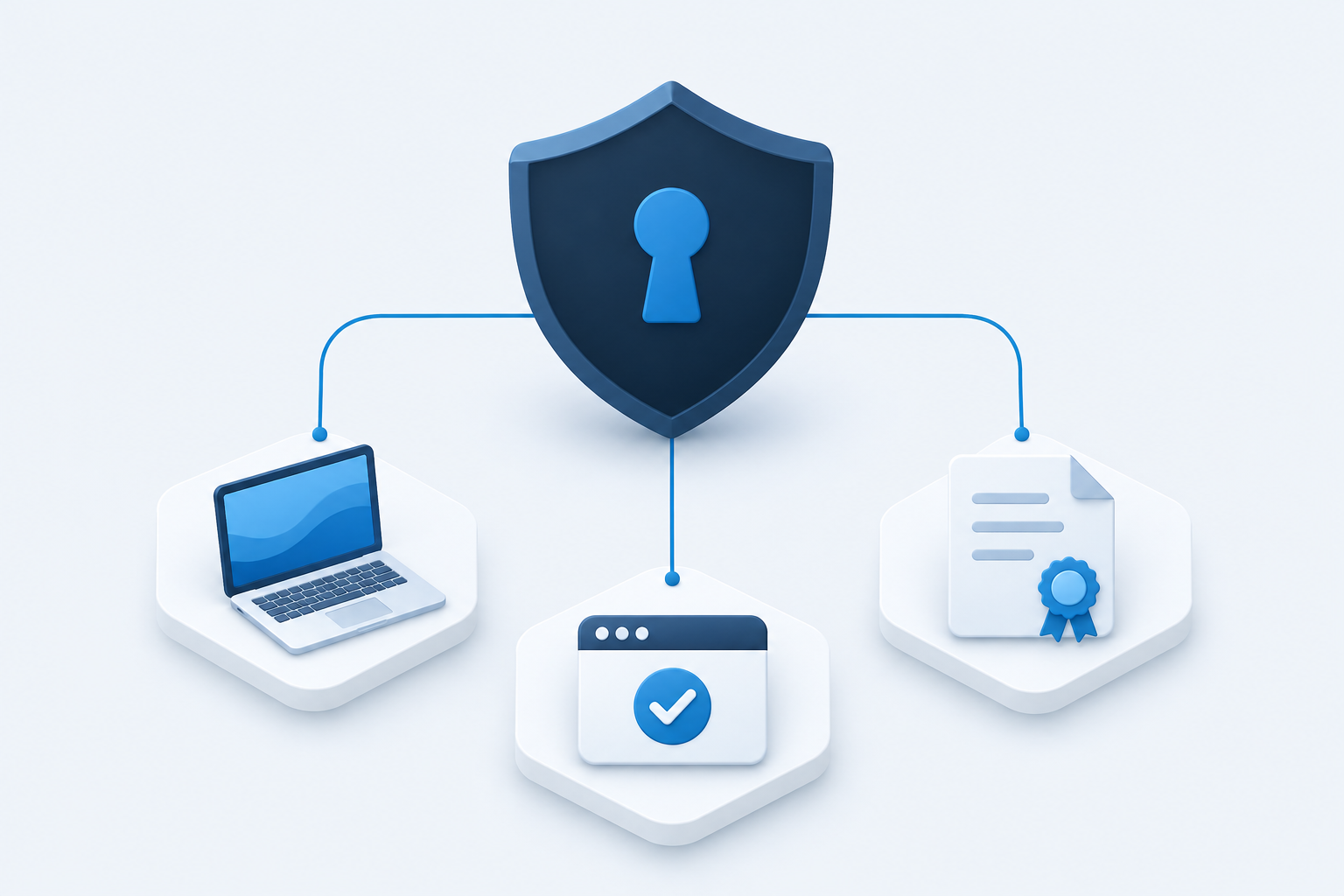
Manage the lifecycle of product access from one straightforward console.
Keep customer records and product licenses organized, with clear status and expiry information.
Set license limits and product entitlements to match the access each customer has purchased.
See registered devices and recent check-ins, helping your team support active installations.
Follow one connected process for issuing and managing software access.
Add contact and business details so your team knows who owns each license.
Choose a product, device seat limit, validity period, and enabled features.
Use the issued license in the connected application and review registered devices.
Check expiry dates and activation history, then update or revoke access when needed.
Answer customer questions with license information, device records, and activity history close at hand.
Choose standard terms, custom days, or a fixed expiry date. Review licenses approaching expiration.
Define how many devices can activate and which product features each customer can use.
Find customer records, inspect activation events, and export permitted records for your team.
Assign roles to staff and verify sign-ins with a one-time code. Available actions follow each user's permissions.
A few essentials before you sign in.
This workspace is for authorized GPlus Global team members. Your administrator creates your account and assigns a role that determines which records and actions you can access.
Yes. Each product defines its available features. When issuing or editing a license, your team selects the features enabled for that customer.
A license has a maximum number of device seats. The license details page shows registered devices and seat usage so authorized staff can manage installations.
Authorized staff can update license settings and suspend or revoke access. Connected applications enforce changes when they next validate the license; timing depends on their check-in and offline settings.
Sign in to manage your customers, products, and software access.